Add Inventory


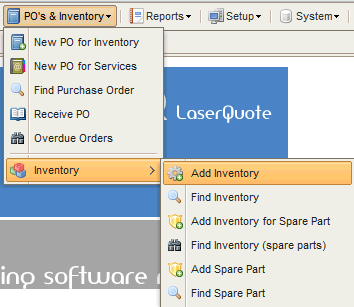
Access Add Inventory from the menu as per screen shot below :
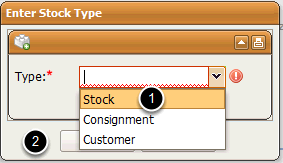
Select the type of inventory you are adding and click Create:
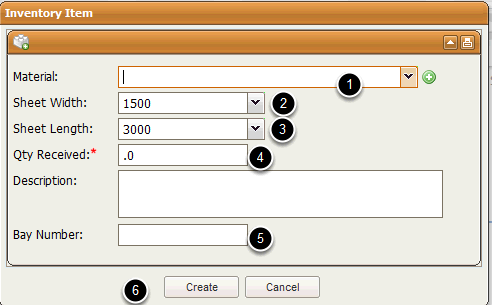
Enter the Material details for the inventory as needed and in the order shown below :
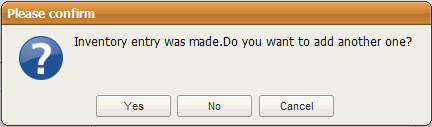
At the end Select Create and the record will be created . A prompt will ask you if you would like to make another entry? Answer Yes if you would and No if you don't :