New Quote


How to create a Quote video tutorial :
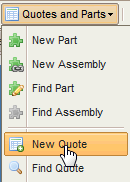
Navigate to this menu to generate a new Quote :
The new quote wizard pops up asking for delivery details , lead times and customer :
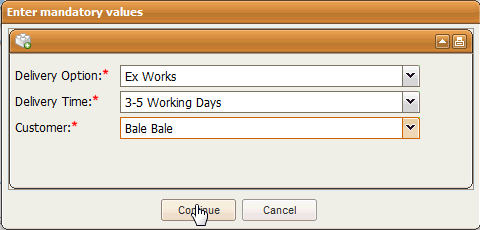
Enter the data and select Continue :
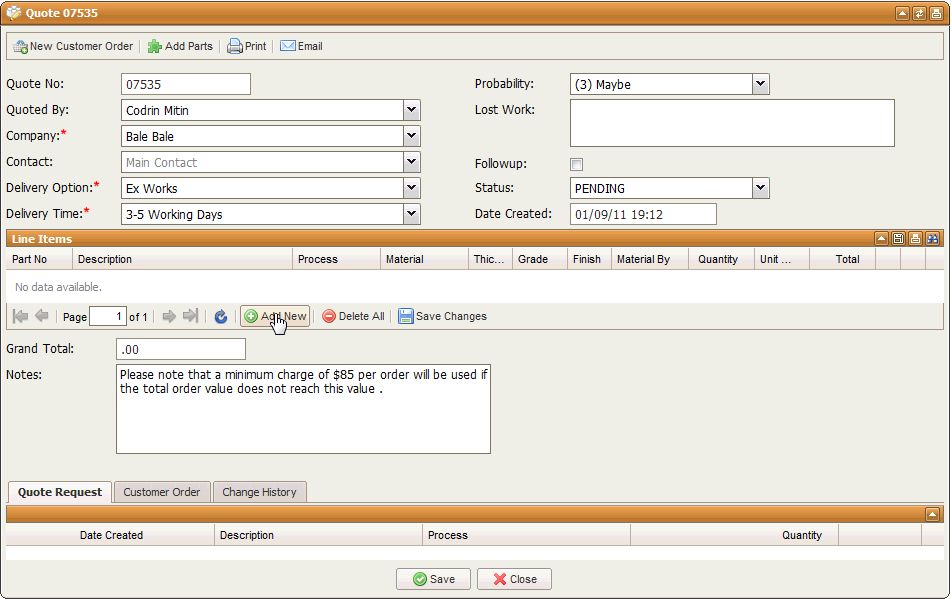
Here you can start adding parts either by clicking the Add New button to add one part at the time or the top toolbar button called "Add Parts" to add parts in bulk:
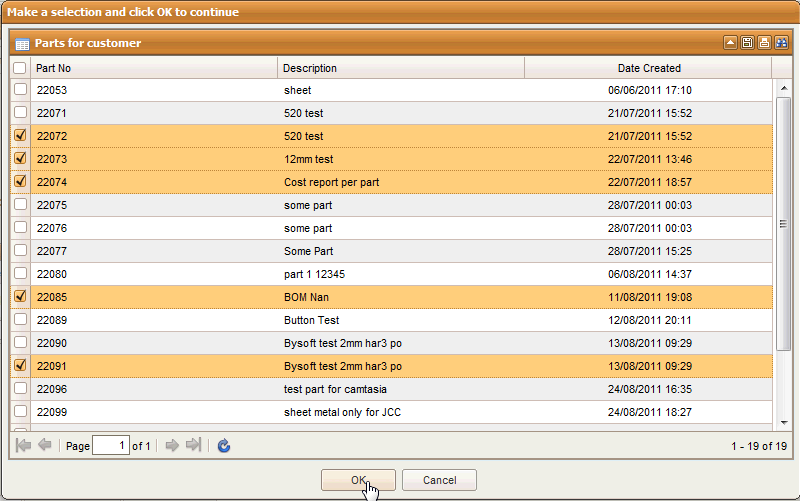
Once you completed you selection and selected OK the parts selected will be featured in the lie items of the quote .
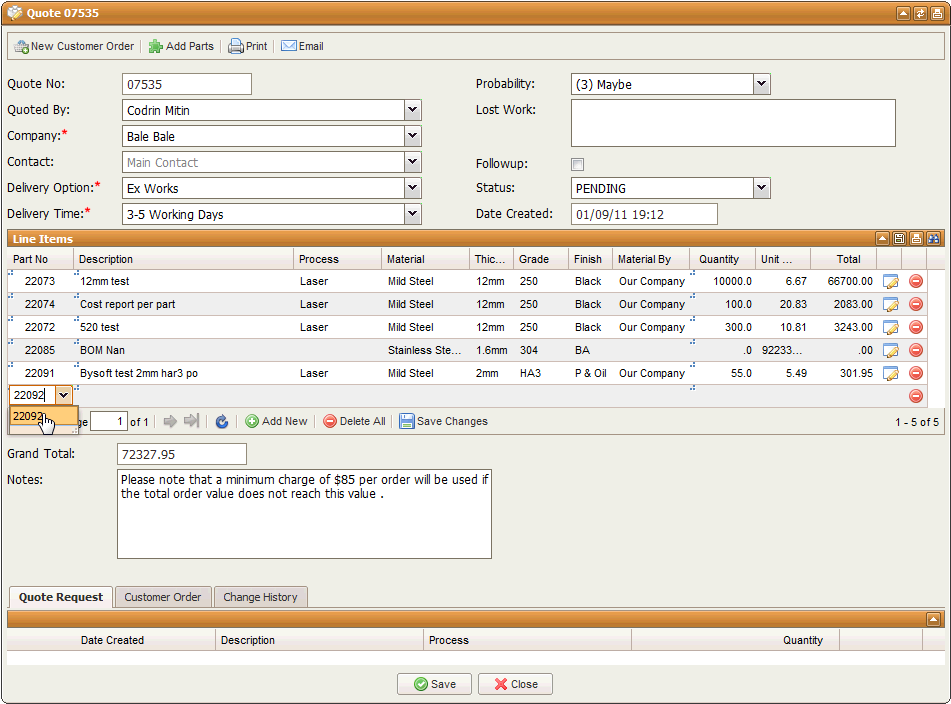
When you finished adding parts you can email or print the quote by selecting these buttons from the top toolbar . You can also create a Customer Order straight from the Quote .
View the video below for a full demo on how to create a Quote :