Features


Computer platform independent
LaserQuote works on any operating system supporting Java technology including Windows, Linux and Mac OS X.
Works with SQL-compliant databases
LaserQuote works with several popular SQL databases, such as My SQL, Oracle, MS SQL Server, MSDE and Cloudscape/Derby. LaserQuote imposes no limits on the amount of managed data. This depends only on the capacity of the selected database.
Multiple users
LaserQuote allows multiple users to access an application at the same time. LaserQuote imposes no limits on the number of concurrent users.
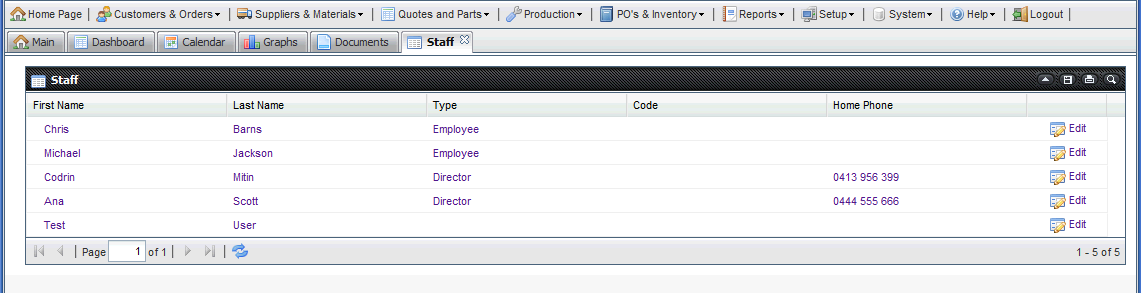
Document and picture data types
Documents and pictures can be stored in the database just like any other data. While pictures are automatically displayed on forms, documents can be viewed within a browser by the appropriate document editor.
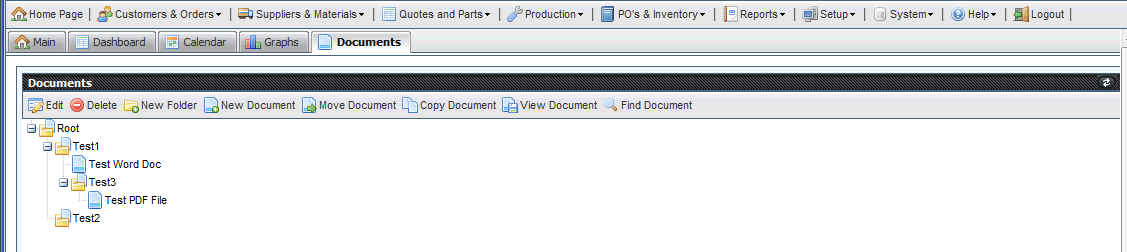
Calendar view
LaserQuote allows displaying appointments or other time-based data in a calendar view similar to a diary. There are five separate calendar views: day, week, working week, month, and year. Users can switch between the views or create a new appointment with a single mouse click.
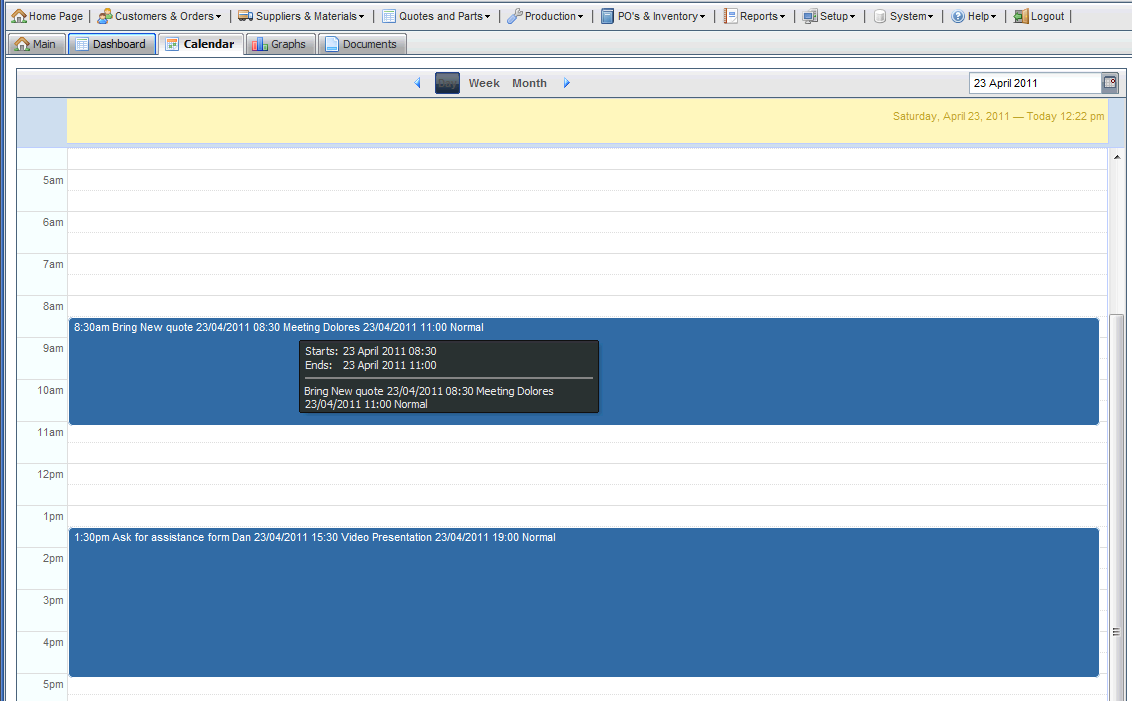
Document management
LaserQuote allows working with any type of electronic document or file. Documents can be stored, retrieved, printed, exported and saved to disk, imported from disk, attached to e-mails and viewed within a browser with the appropriate editor.
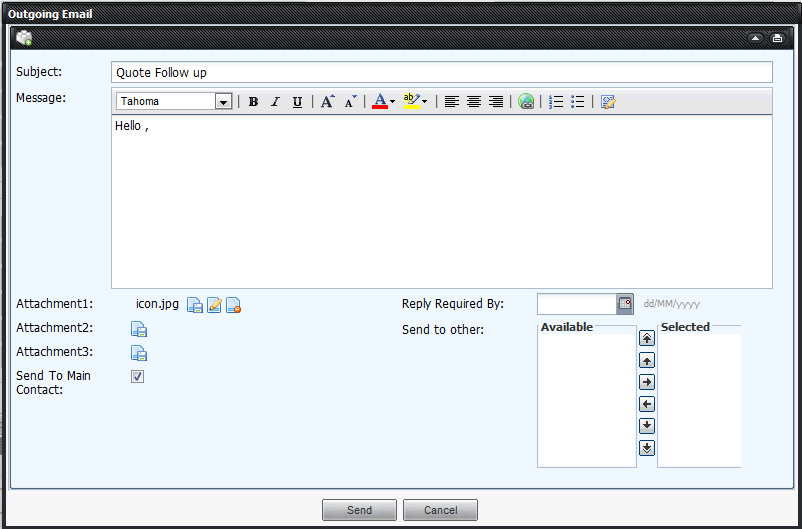
Outgoing e-mails
LaserQuote can automatically send e-mails. Rules are used to specify conditions when e-mails should be sent. E-mails can be easily personalized:
Access to data
LaserQuote supports access restrictions based on user categories and access restrictions based on data ownership:
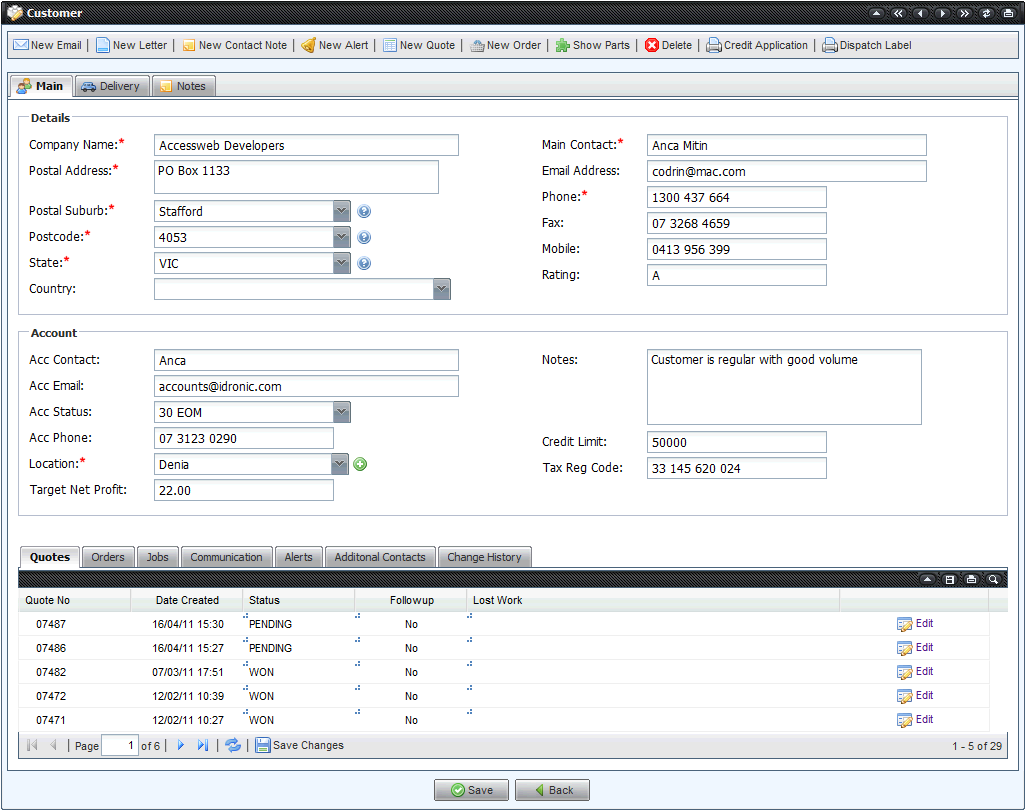
Customer - CRM
Create customer records
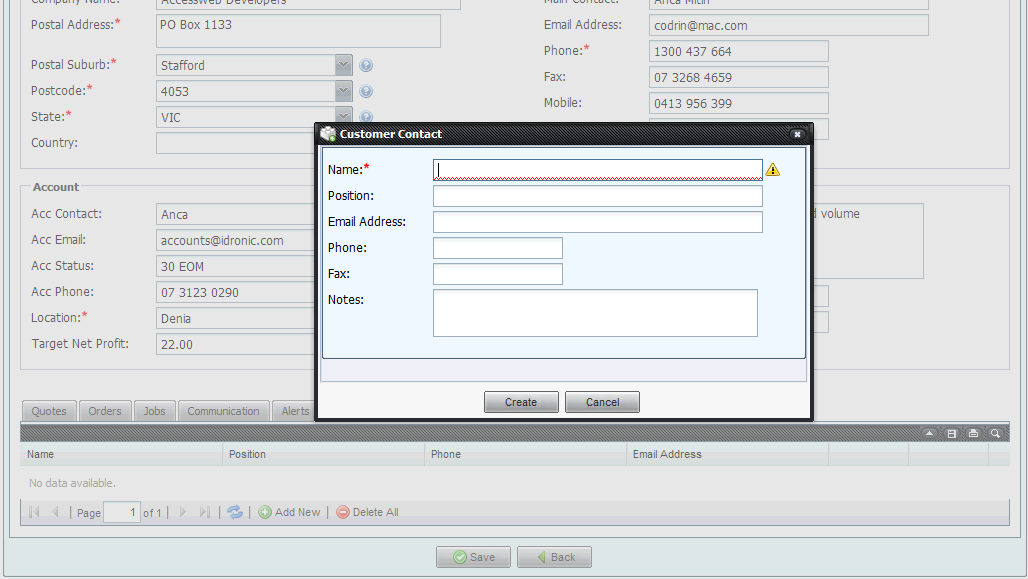
Multiple contacts per company
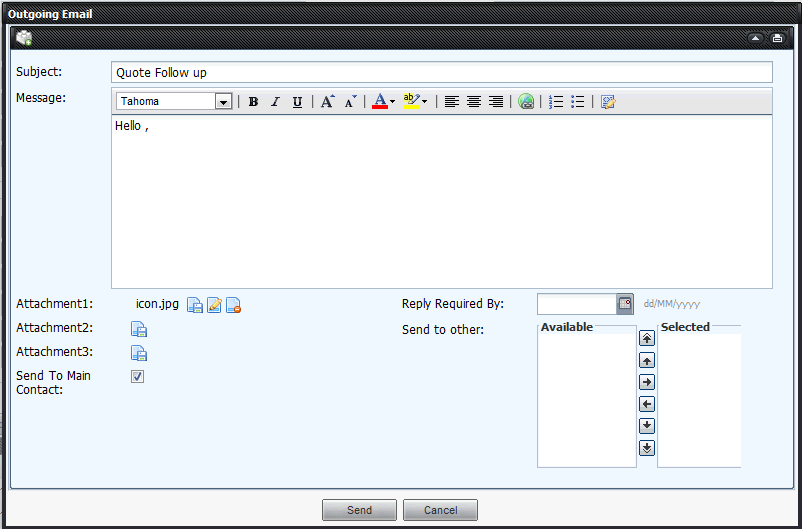
Email integration
Set target net profit for each customer
Record and control at admin level account and credit terms
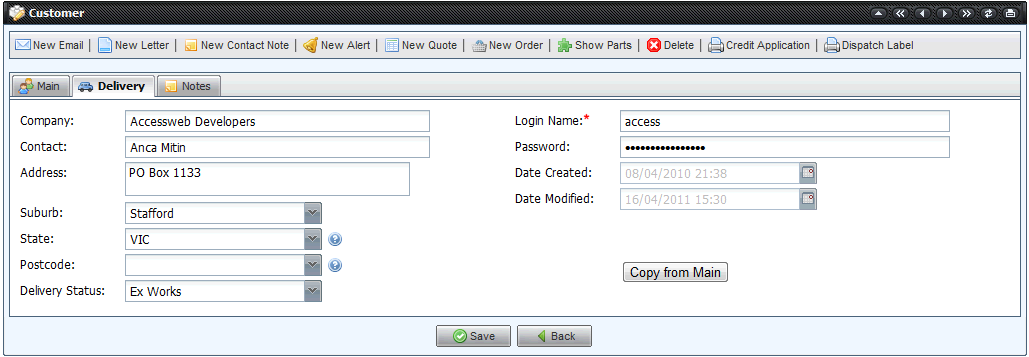
Separate notes for transport,production and programming
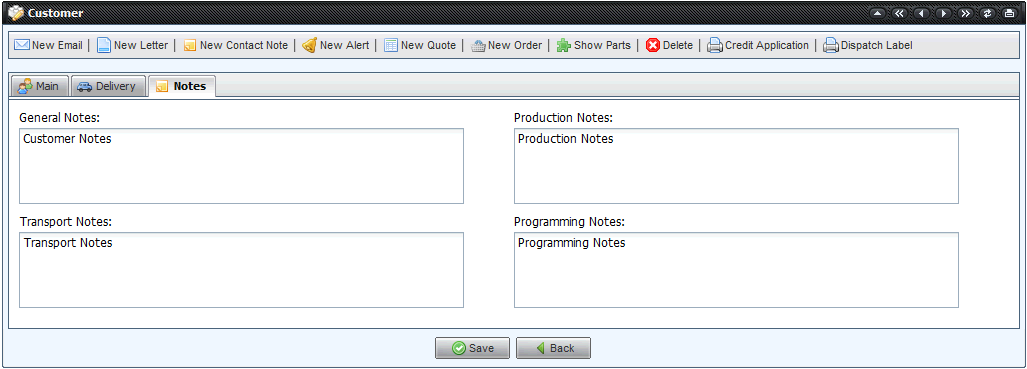
Each customer is supplied with secure log in to the system
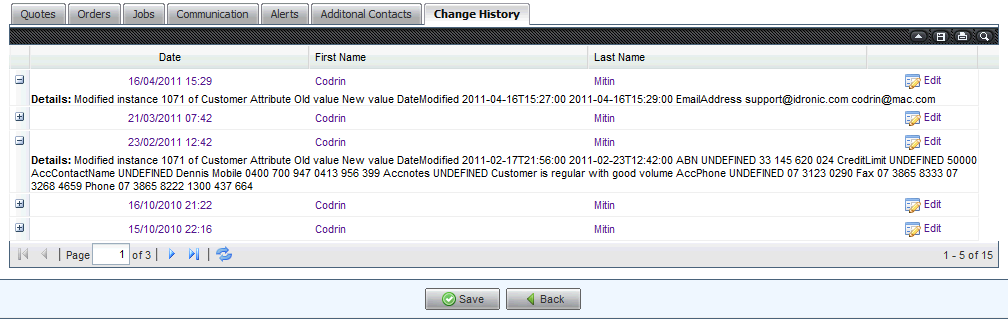
Full history tracking of changes by user time stamp and modification
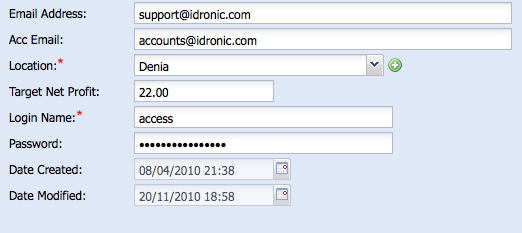
Customer record is linked to a facility location
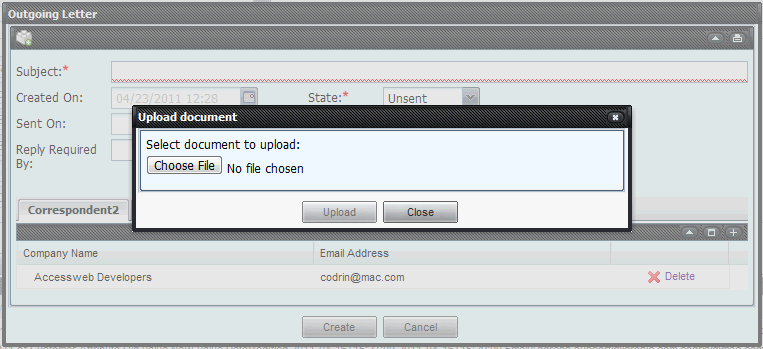
Create letters
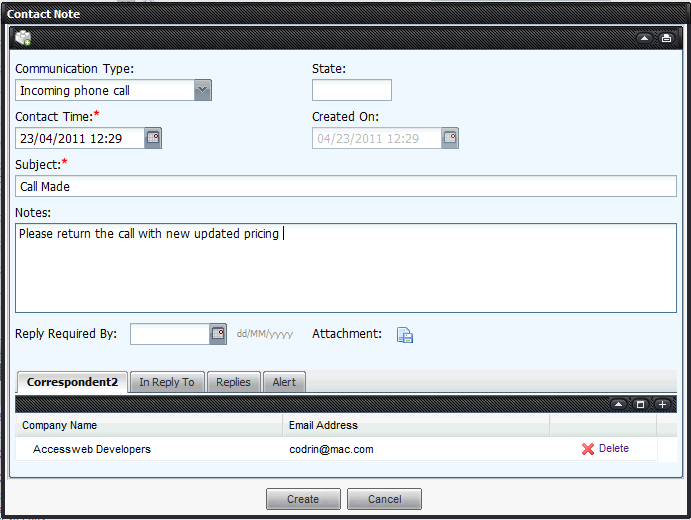
Create customer notes
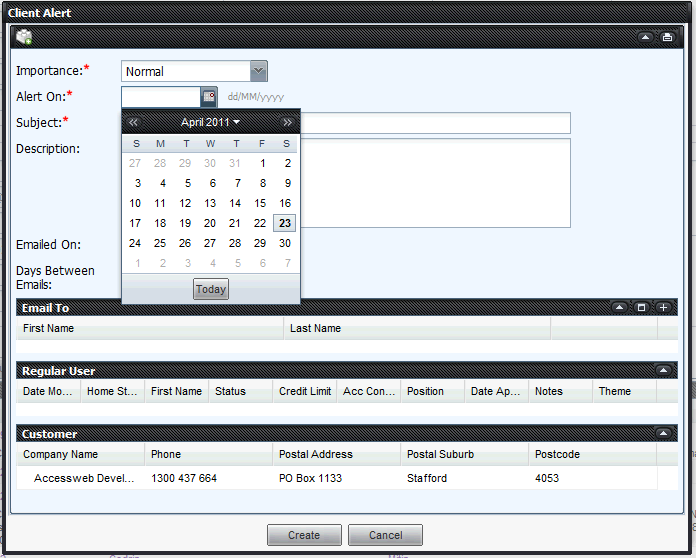
Create customer related alerts
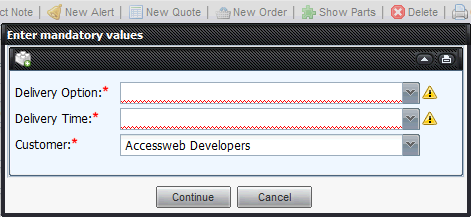
Raise quotes from customer screen
Display all parts that were manufactured or quoted for customer
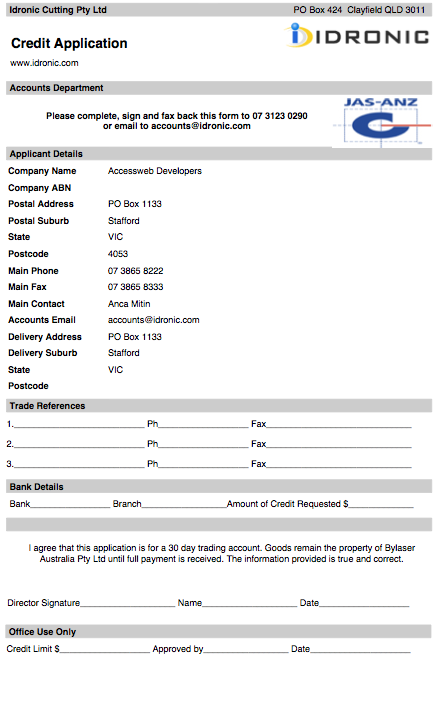
Print Credit Application
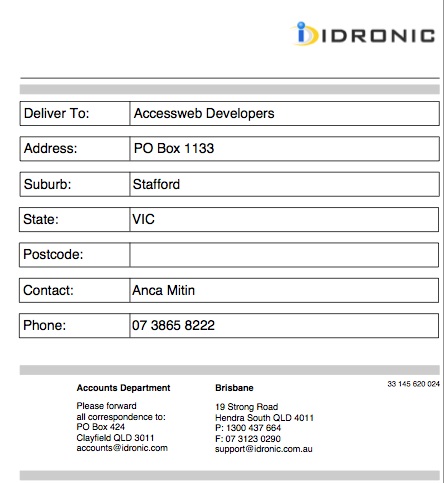
Print Dispatch Label
History of all Quotes , Orders ,Jobs , Communications Alerts with drill down
Quotes and Parts
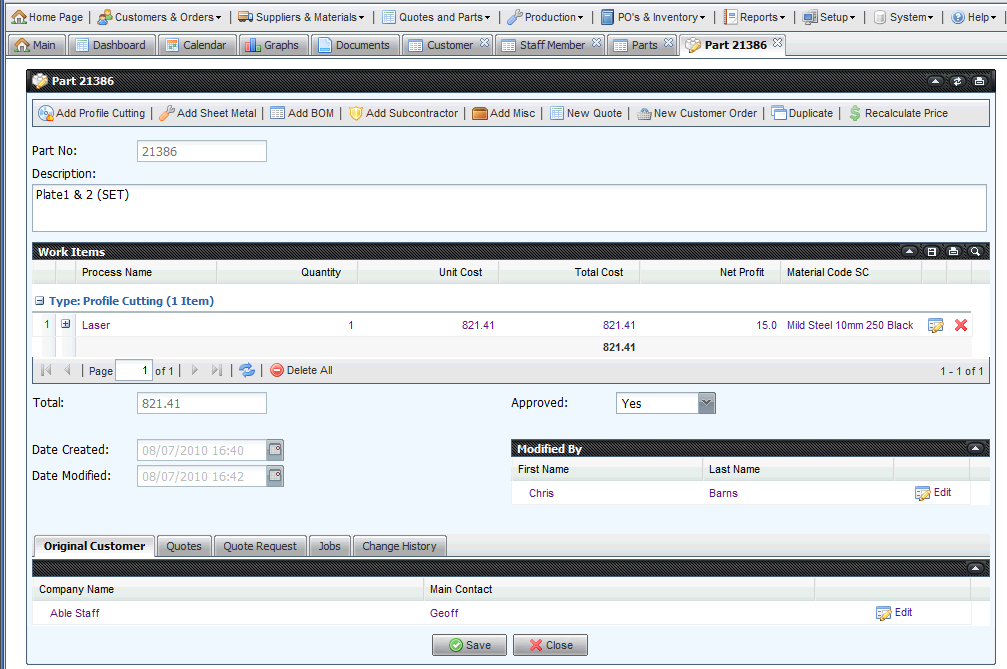
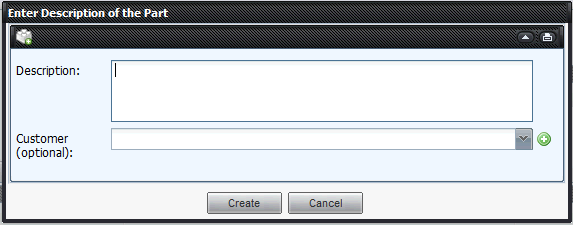
Create Part Definition
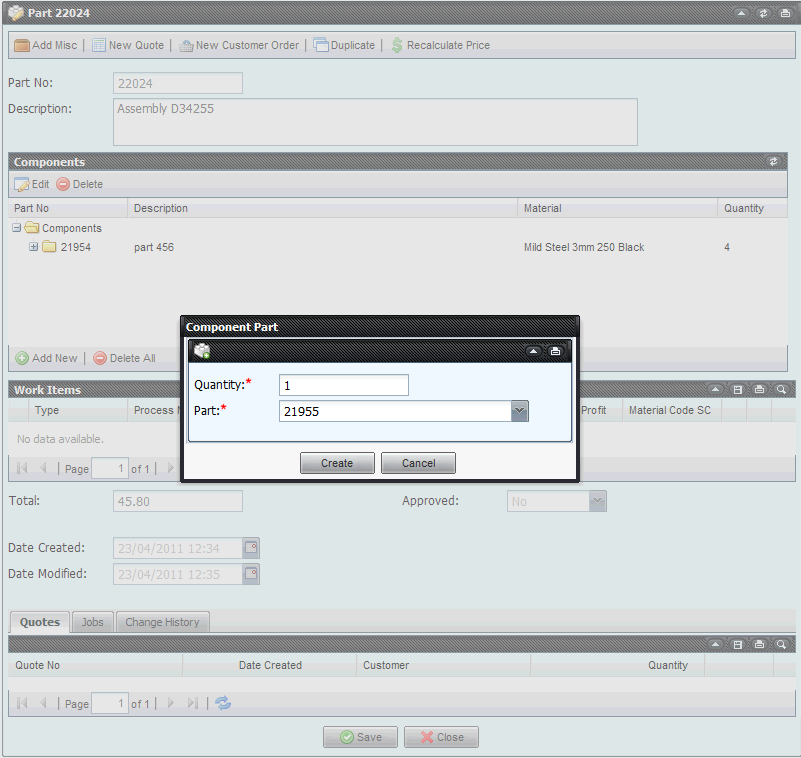
Create Component Definition
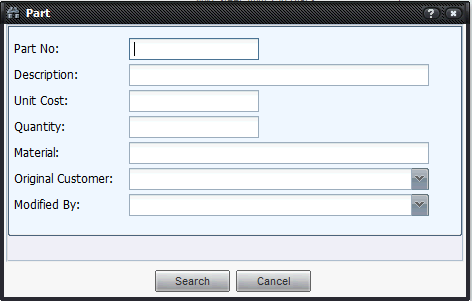
Find a Part
Find a Sheet Metal Work Item
Create a Quote
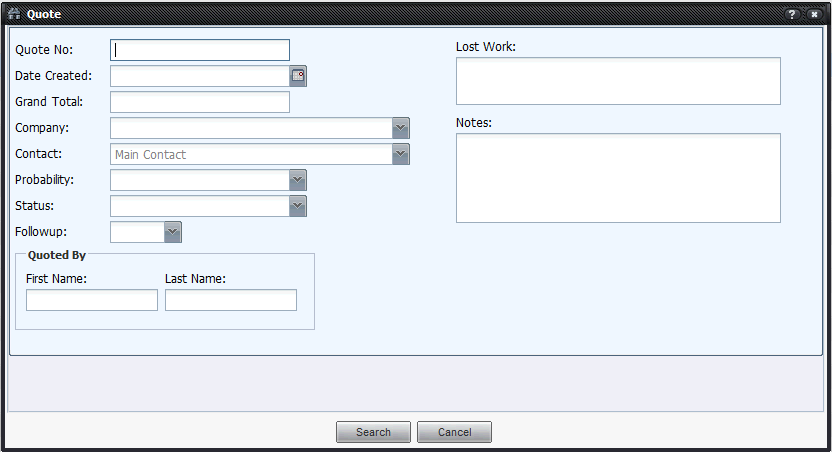
Find a Quote
Parts can have one or multiple work items
Each work item has its own criteria and profitability
A part can be unique to a client or used for multiple clients
Parts can have profile cutting , sheet metal , subcontractor , inventory , miscellaneous work items
A quote can be printed or emailed
Quotes have status flags like Won , Pending or Lost
Each quote can be followed up with feedback notes
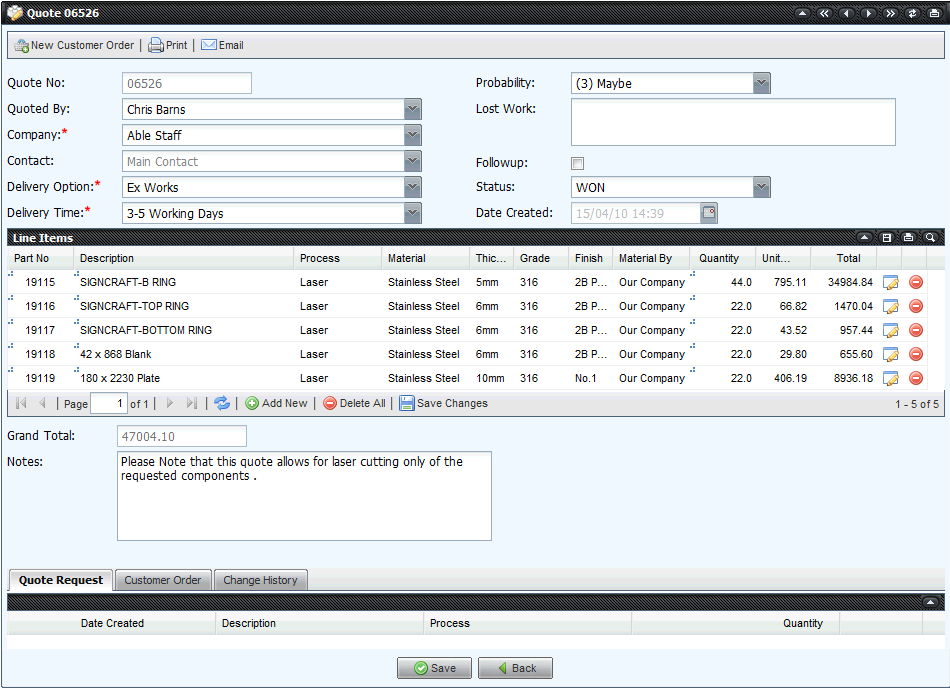
Customisable delivery options and lead times
Unique message notes available for each quote
Quote can be generated into Order
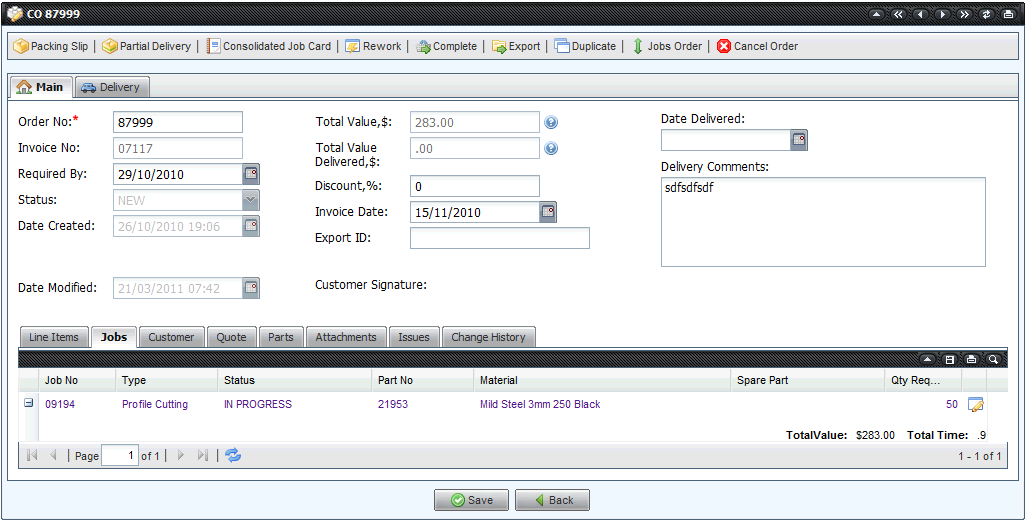
Jobs and Customer Orders
Production Data Collection
LaserQuote generates bar coded work flow
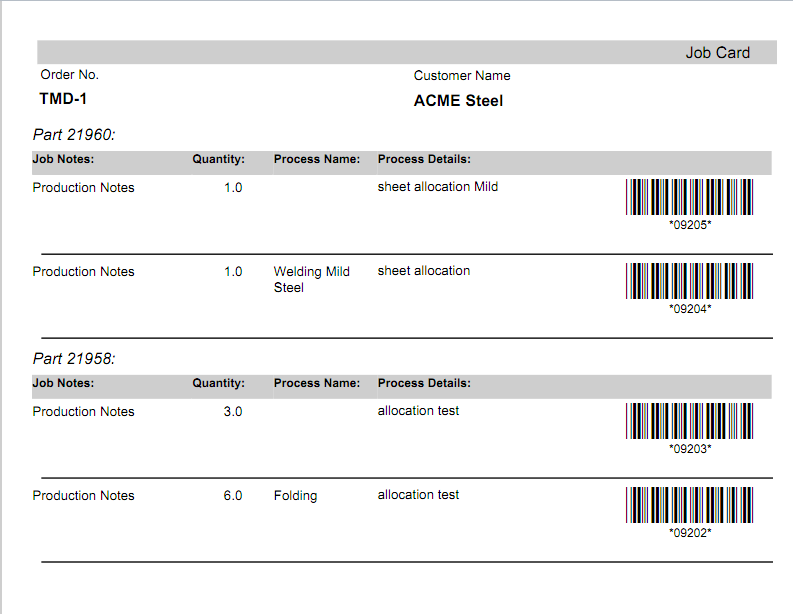
Bar codes are scanned at all stages of production from any terminal
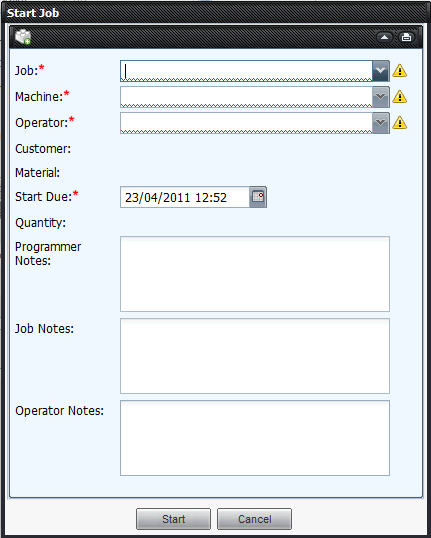
Operator activity is logged and linked with equipment
Jobs can be started , stopped , paused , finished and shifts can change
Paperless operation with machine operators accessing their jobs list on a monitor
Machine operators have access to all recorded job data including digital drawings
System can record operator comments
All machine operator data collection is free to access no licence required
Job Schedule automatically adjusted when a job is finished or takes longer then scheduled
Customers can access online the schedule for their active jobs
Allows for smart programming of any profile cutting process
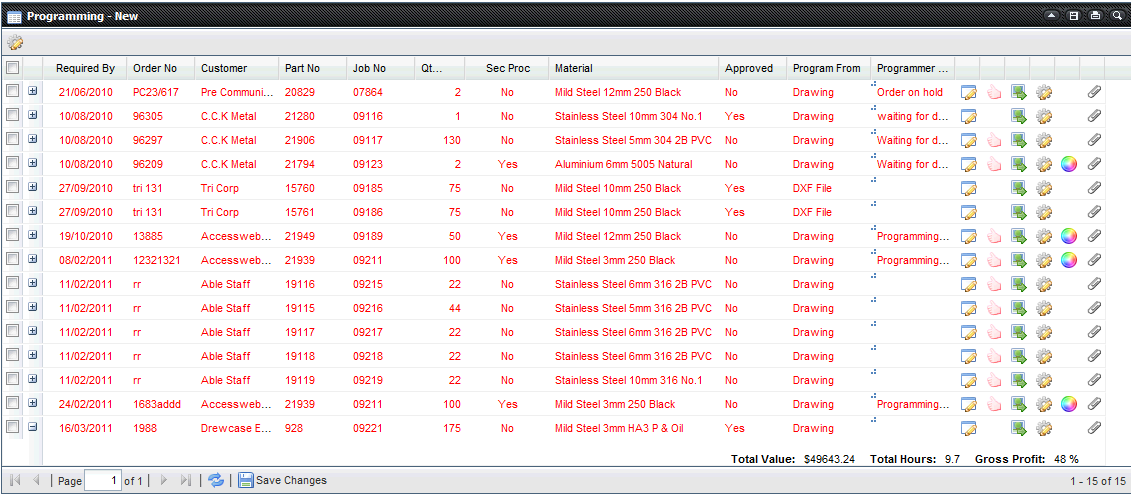

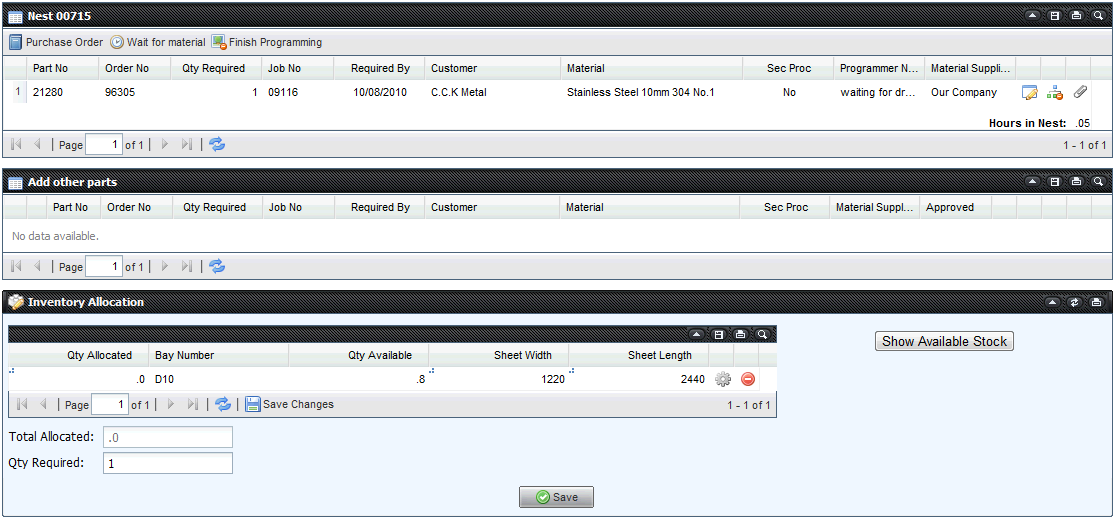
Will display different list depending on selected process type
Can nest multiple parts from multiple clients
Interacts with the Scheduler and adjust accordingly
Logical statuses for programmed jobs are used : New , Started,Waiting for Approval,Waiting for Material ,Ready for Production.
A nest can be edited all the way until it is read and printed by the machine operator
Sheet Metal jobs feature are ready for production and do not require programming
Records full program history with easy to read messages
Links with inventory and adjusts it when material is allocated to a job
Can differentiate between same type material but different finish preventing nesting in the wrong material
Tracks customer supplied material separately
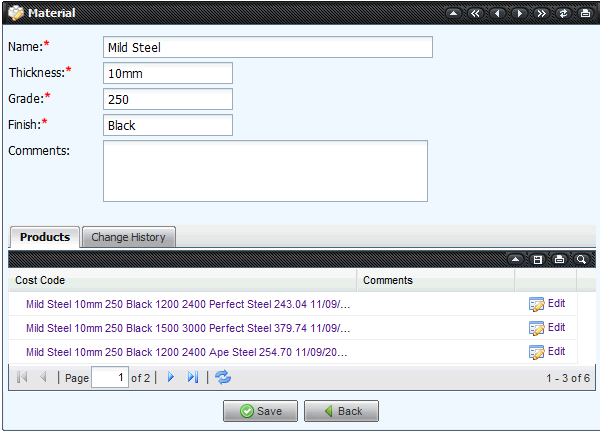
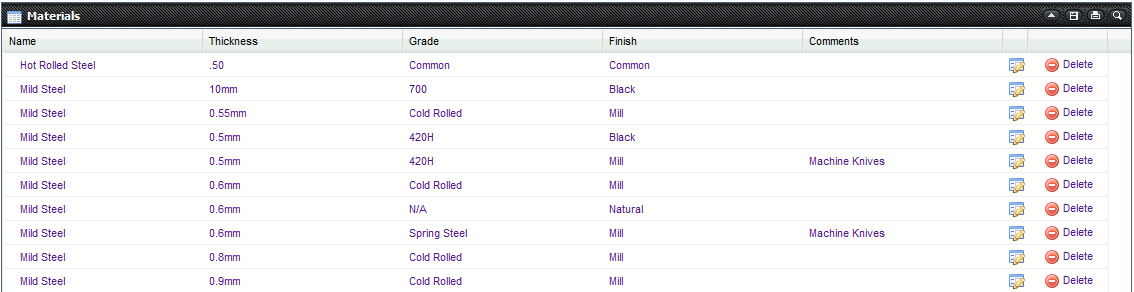
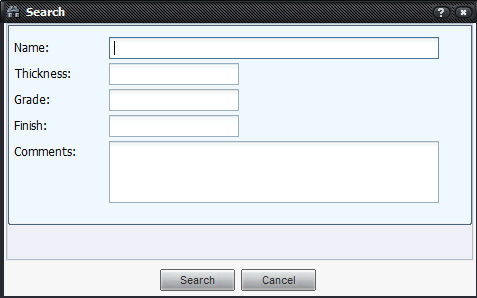
Create suppliers , similar interface with the customer one
Find Supplier
Create Material
Find Material
Create supplier product
Create spare part
Find product
Create Subcontractor
Find Subcontractor
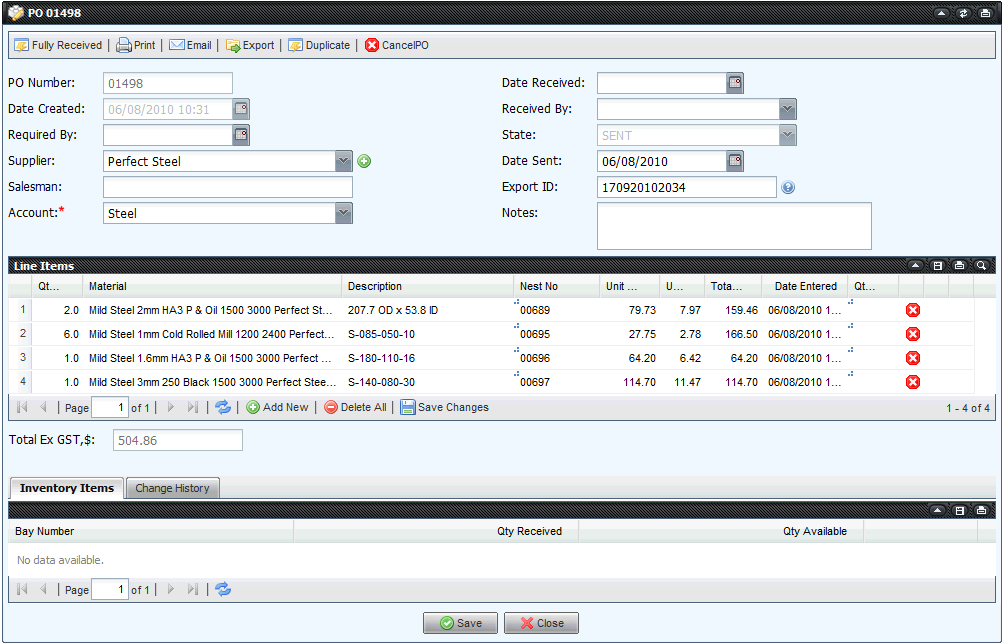
Create Purchase Order for product , material , service or subcontractor
Links with your accounts descriptions and classes
Track pricing history for all materials
Same product multiple suppliers
Linked to the part definition where it offers all suppliers for one product as an option
Find Purchase Order
Receive Purchase Order via monitor or barcode
Manually add inventory
Stock take feature
Spare parts and consumables with minimum levels
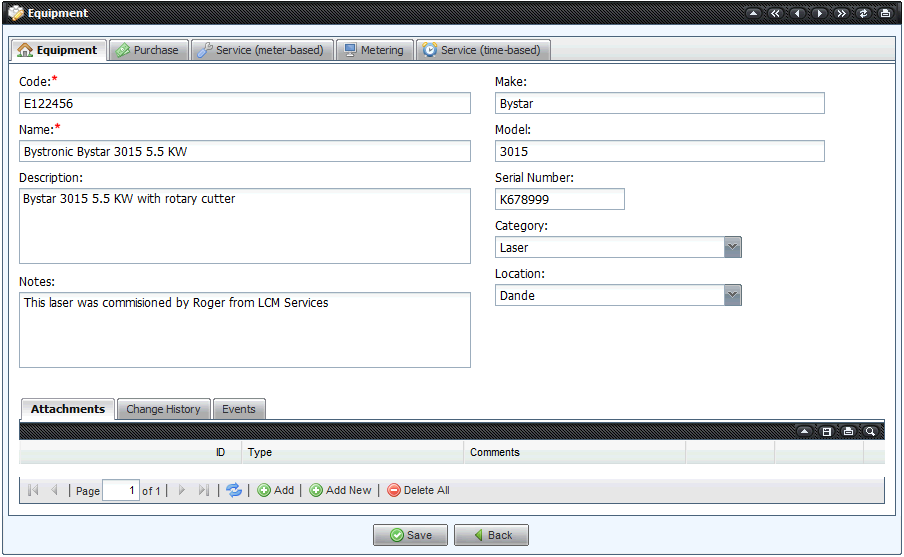
Create and record every piece of equipment in you business
Record and keep service manuals , model no , price
Link equipment to one or more service suppliers
Schedule servicing based on any unit of measure ( hours , kg , cycles etc )
Record metering of time or cycles
Link servicing to Purchase orders and dispatch a task to a dedicated staff member
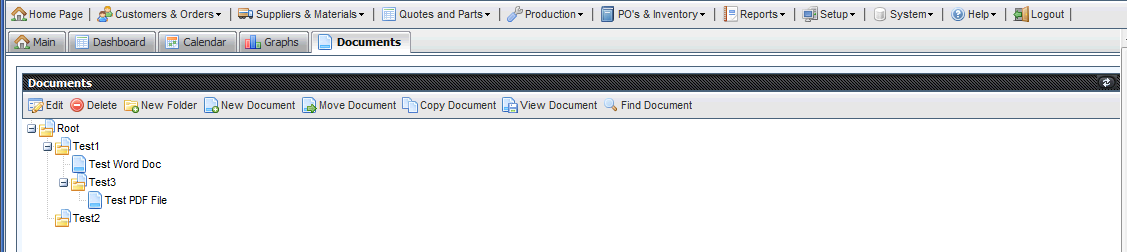
Attach or insert any digital document ( dxf dwg pdf tiff etc ) to any record in LaserQuote
Search for document by type , name or comment
Create new templates for onsite version specific to your business
Store digitally your Quality Assurance documentation in a familiar explorer type document management
Copy , Create , Move documents and folders
Drag and Drop capability
Right click capability
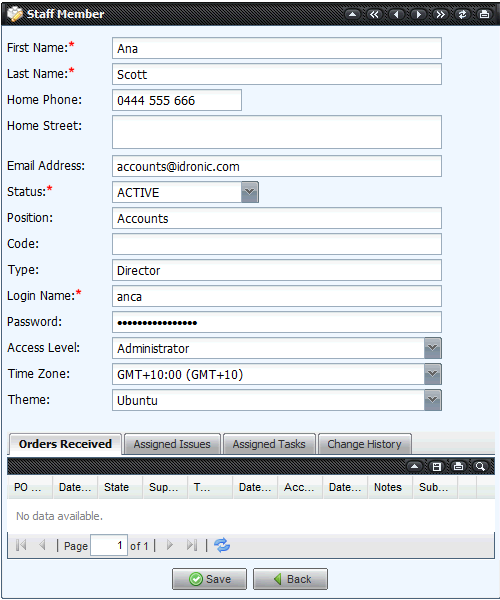
Create staff
Allocate various levels of security
Change login details and passwords
Create alerts for staff
Search and create appointments
View your tasks
Integrated with Trouble Ticket
Multiple queries and reports on"
This section is ever expanding . If you have a good suggestion for a logical report we will incorporated in the new version.
Integrations